Powerful Tools
for Filmmakers and Photographers

iOS Widget Capable

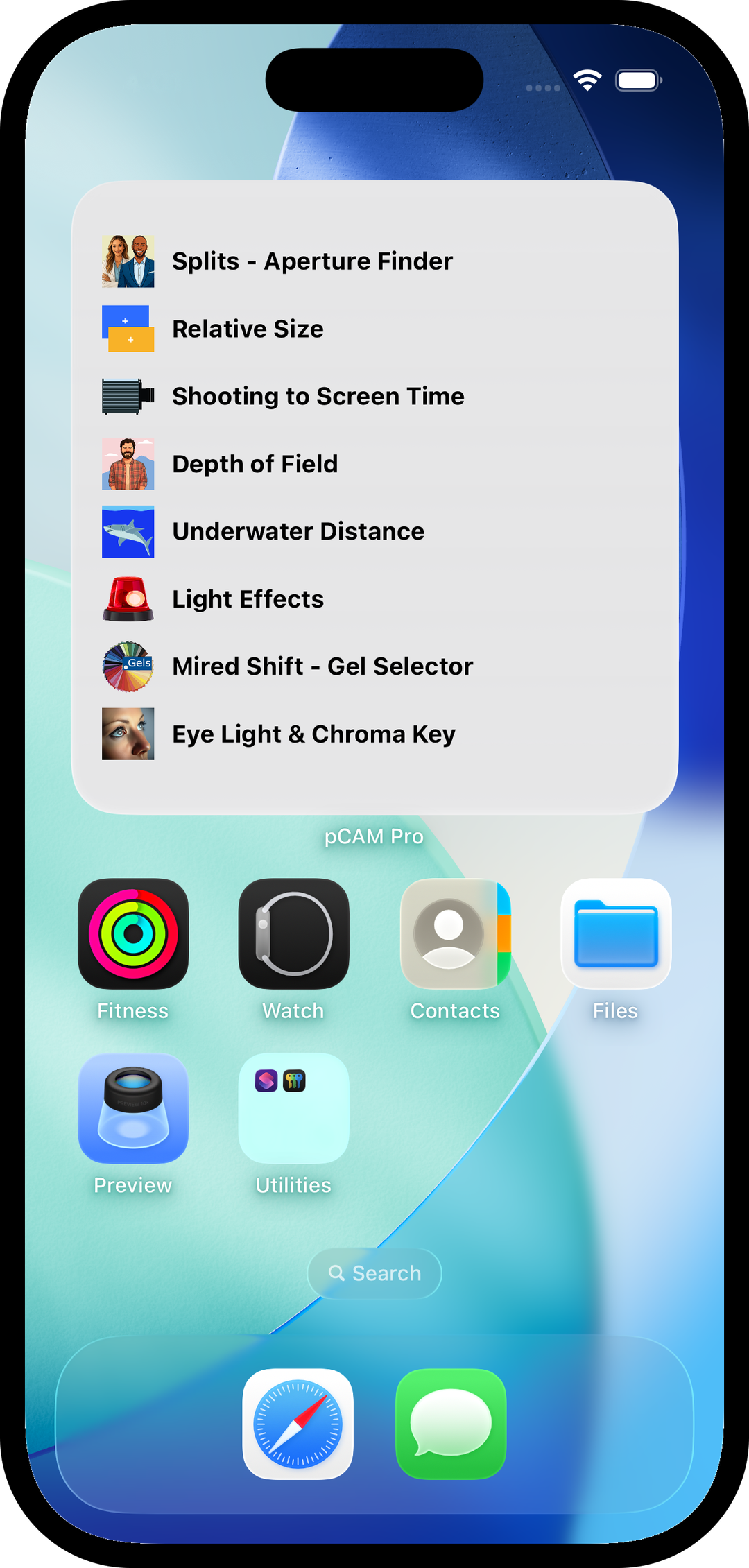
  • Your pCAM Pro Favorites list is automatically added to a Widget
  • Choose between 4-tool or 8-tool widget layouts for faster access
  • Tap any widget icon to open pCAM Pro directly to that tool
  • If no group chosen, can also long-press pCAM icon for a pop-up list of 4 Favorite tools
  • Widgets are available on the Home Screen, Today View, and Lock Screen
iOS widget favorites screen
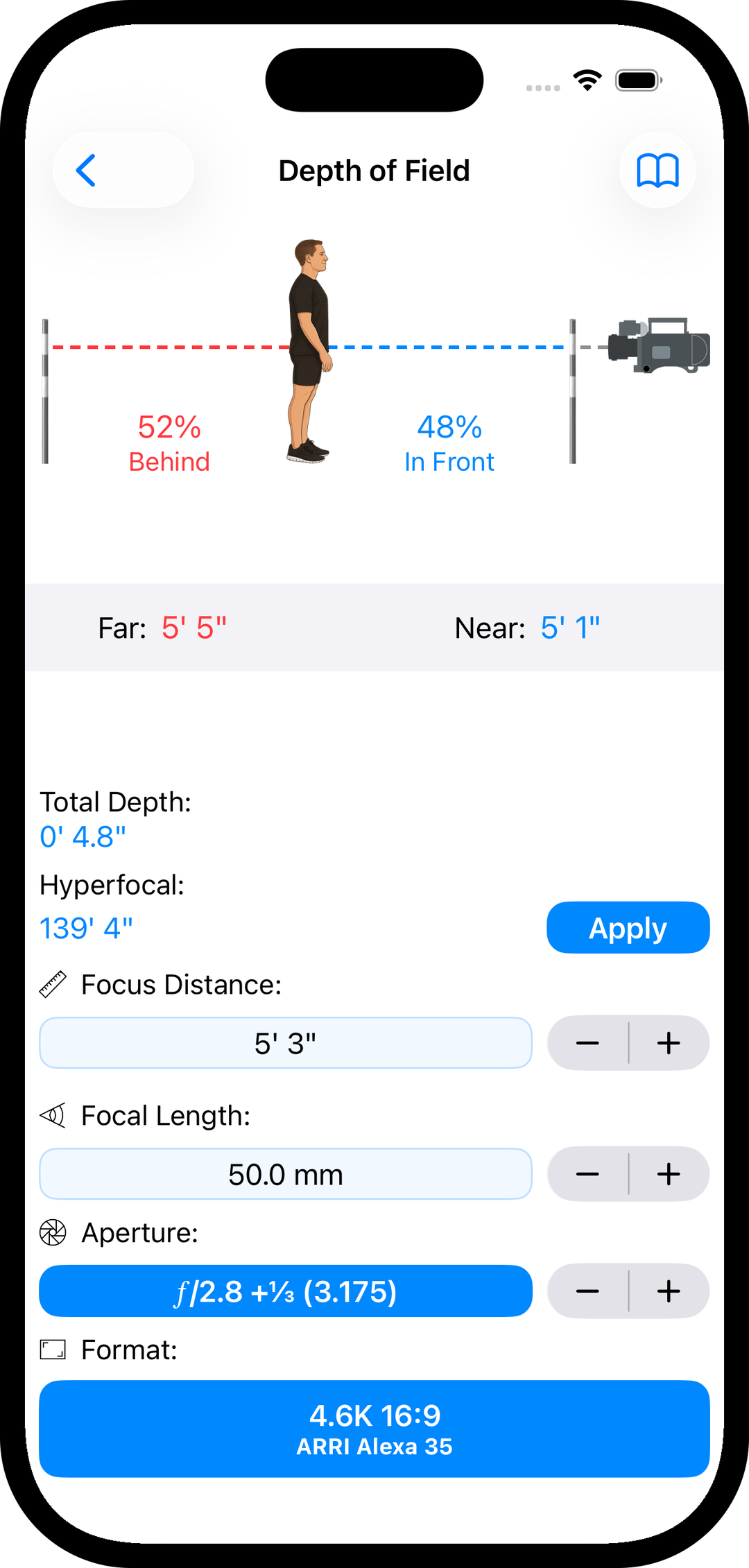
Depth of Field calculator tool

Depth of Field

  • Calculates near, far, total, hyperfocal, and percentage depth-of-field distances
  • Supports unlimited user-defined camera formats and circle-of-confusion values
  • Adjust distance and focal length in precise incremental steps
  • Reorder camera and lighting, with Favorites lists to match your workflow

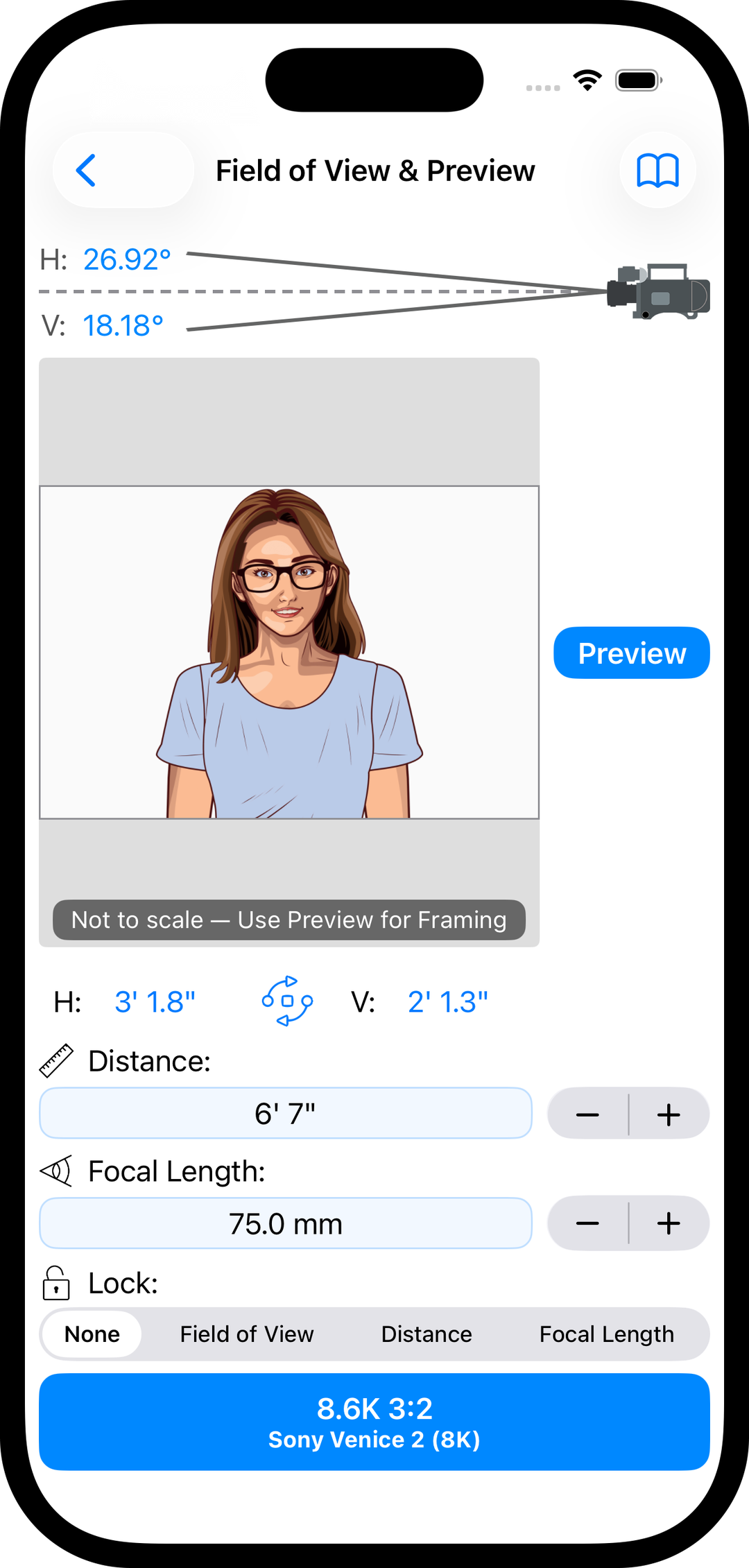
Field of View

  • Match framing between shots using distance and focal length
  • Supports both portrait and landscape camera orientations
  • Lock field of view, distance, or focal length to compare and plan equivalent shots
Field of View tool
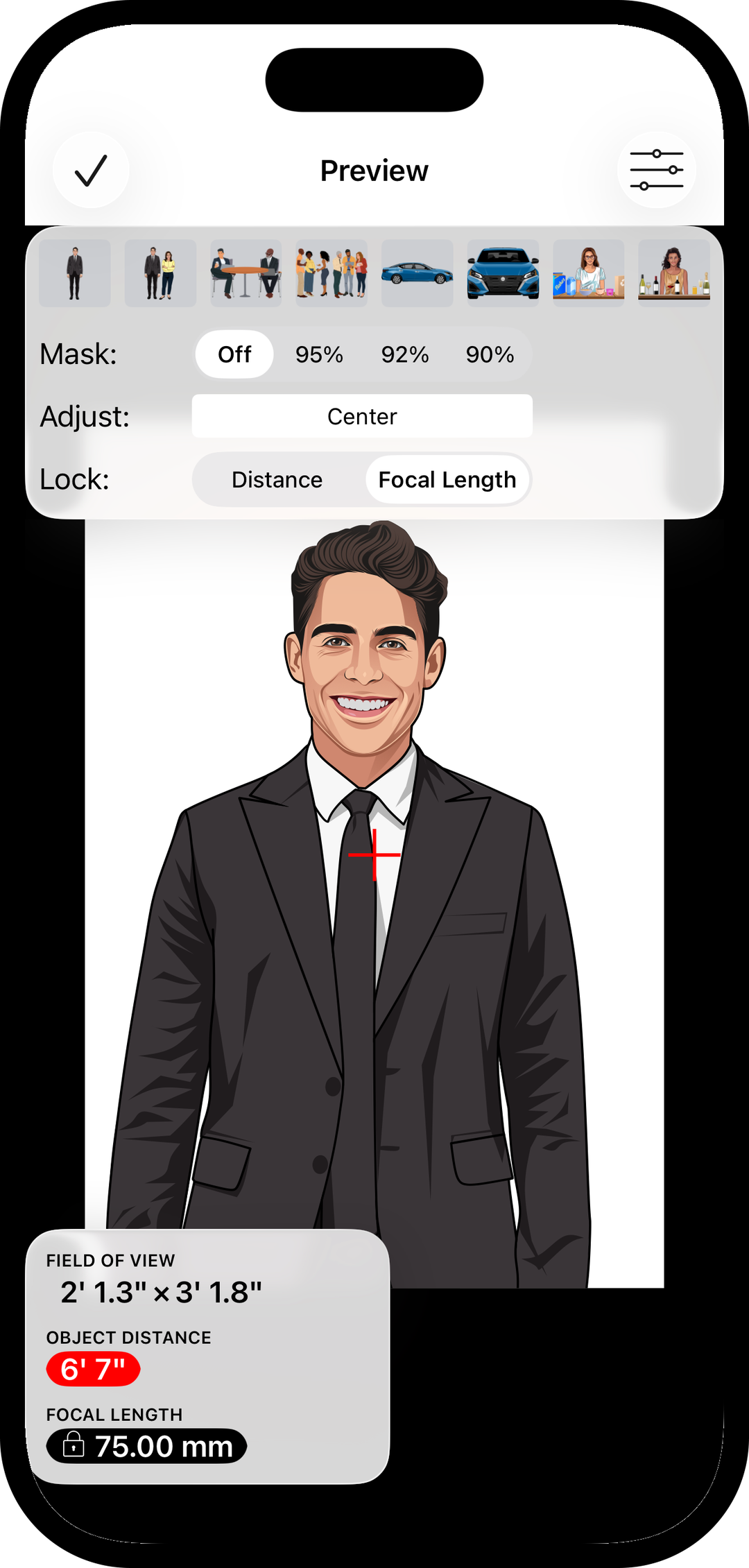
Field of View preview illustrations

FoV Preview

  • Visualize compositions using eight built-in preview scenes
  • Lock distance or focal length, then zoom to design your framing
  • Use adjustable safe-area masks (90%, 92%, or 95%) to plan for cropping and framing
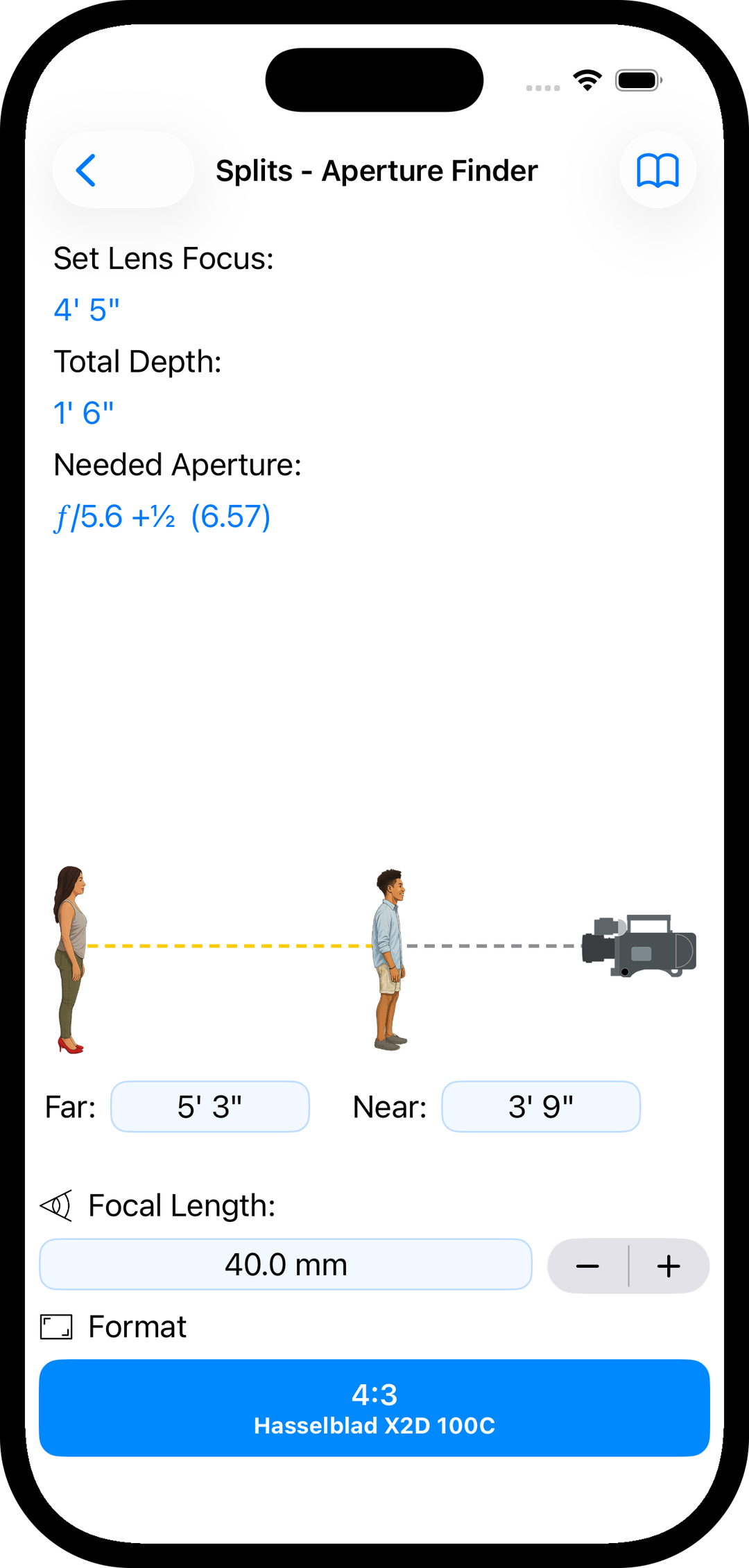
Splits - Aperture Finder

  • Determine the aperture required to hold two subjects in focus
  • See precisely where to set lens focus for maximum sharpness
  • Displays the total depth range for the shot
Aperture finder splits tool
Focal length match tool

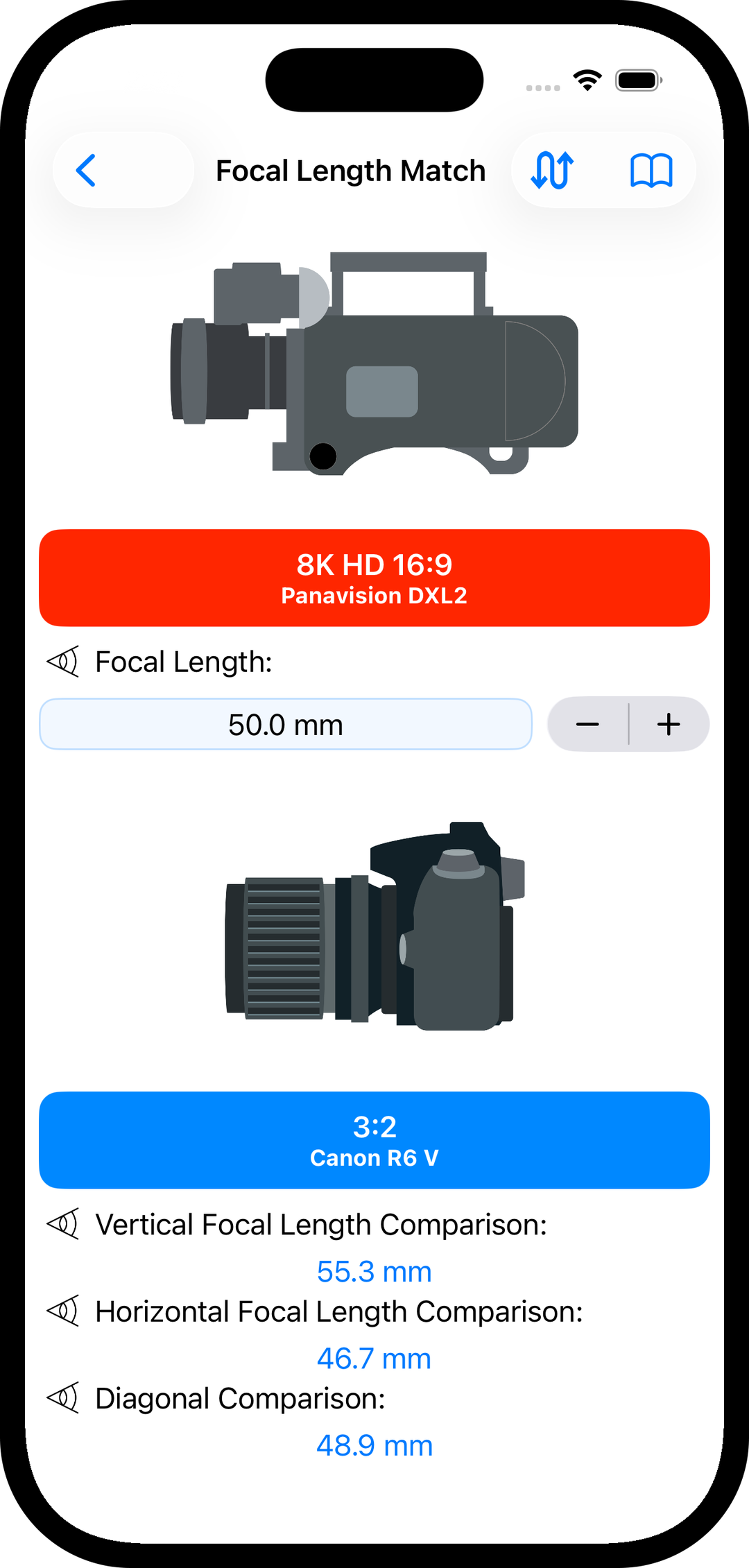
Focal Length Match

  • Match equivalent focal lengths across different camera formats
  • Compare framing using vertical, horizontal, or diagonal field of view
  • Ideal for tech scouts when choosing lenses based on reference stills
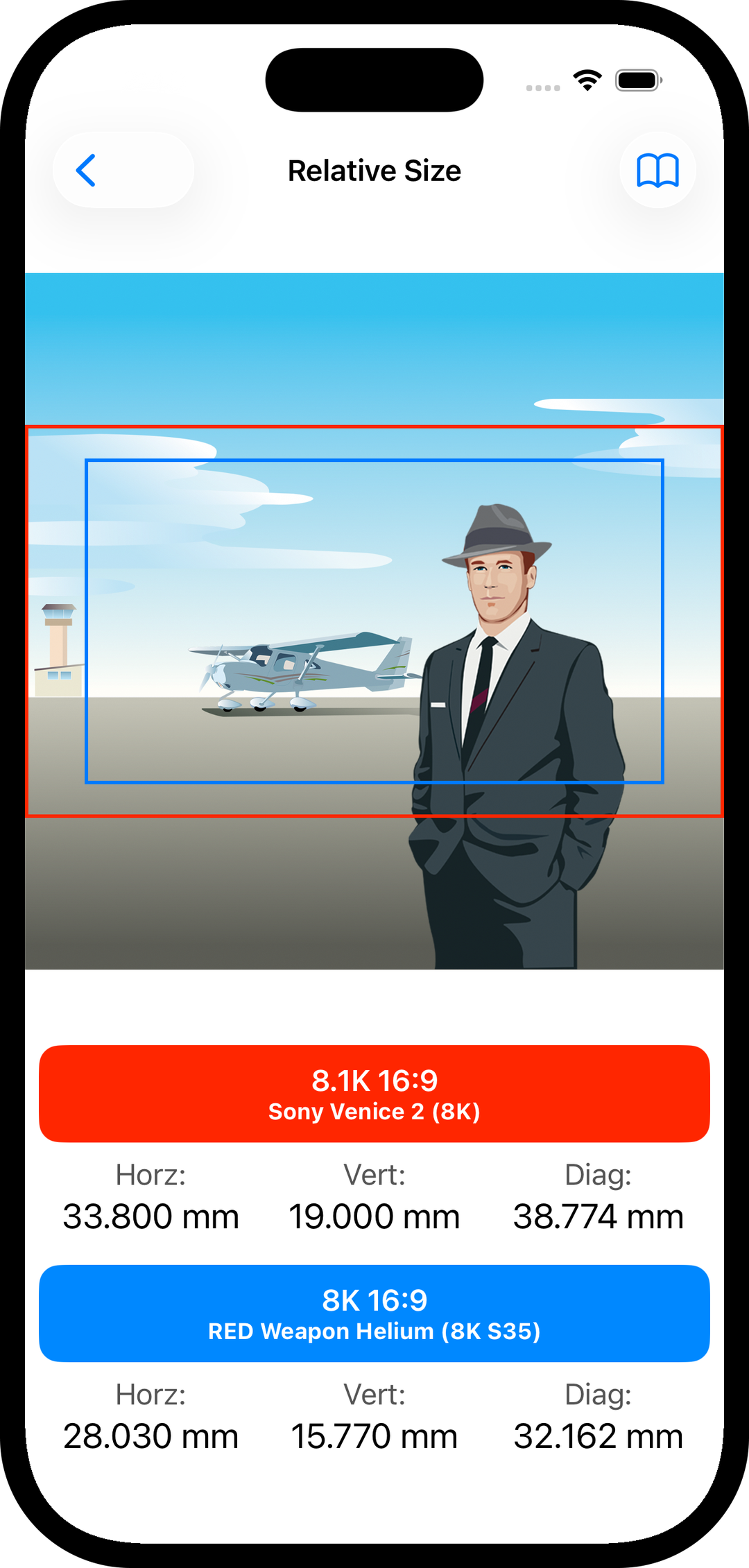
Relative Size

  • Compare digital sensors and film camera formats side by side
  • Make true apples-to-apples size comparisons
  • Shows actual physical dimensions, not pixel counts
Relative size comparison tool
Reference charts and tables

Reference

  • Built-in technical charts, tables, and quick-reference guides
  • False color and exposure change guides
  • Cine lens manufacturer listings
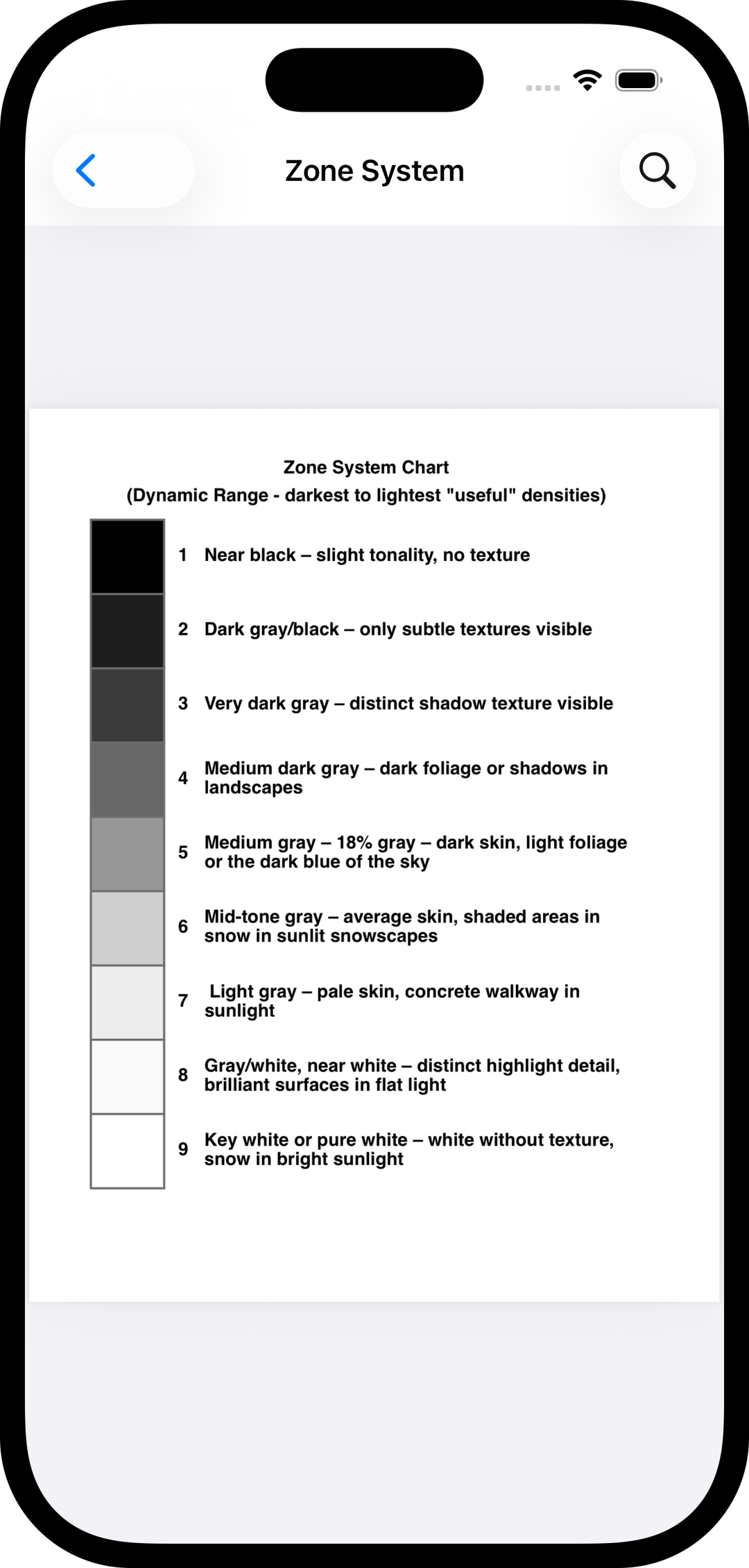
  • Zone System charts for exposure control
  • Miniature shooting scale guides
  • Safe panning speed recommendations
  • Cine film stock references
  • Diopter distance tables

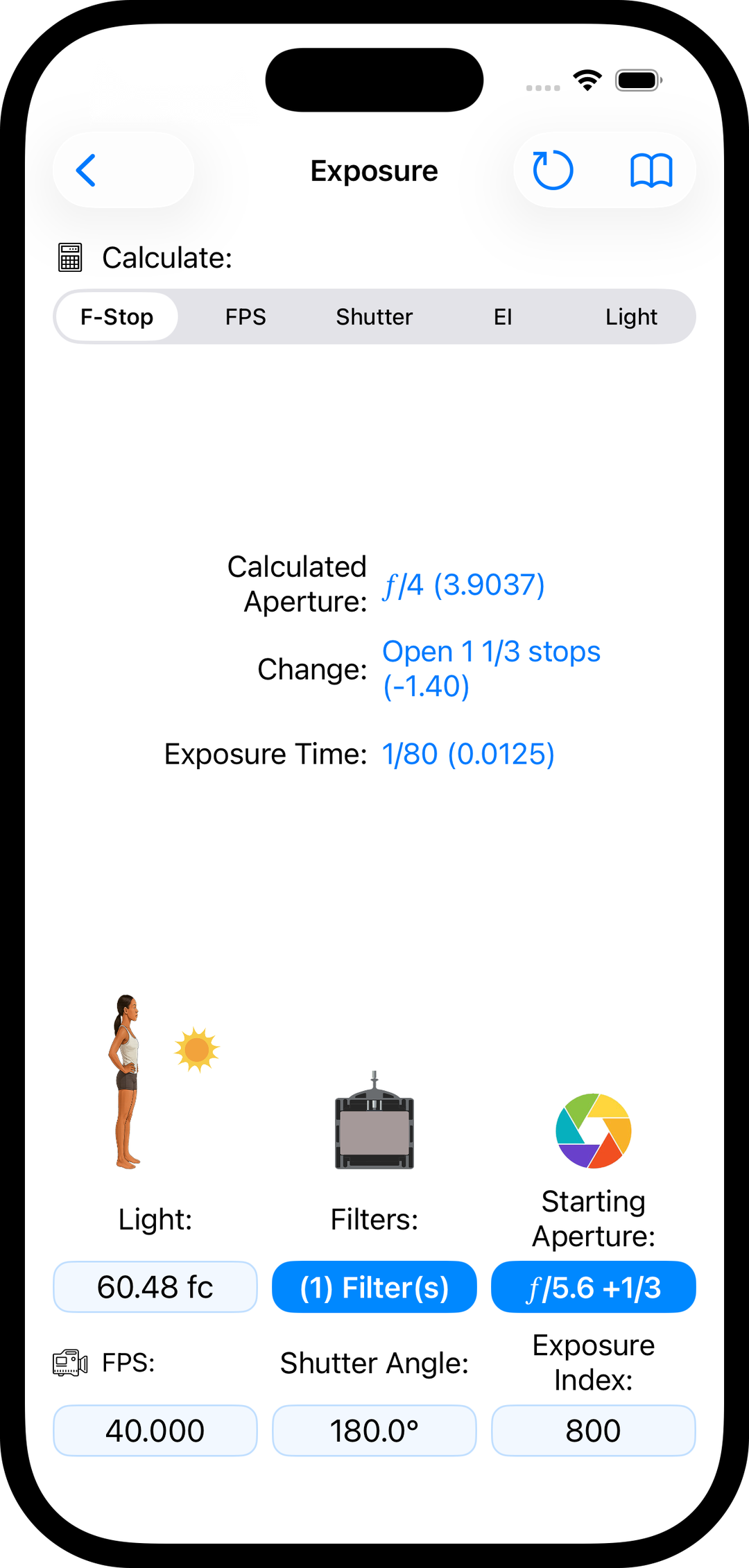
Exposure

  • Maintain consistent exposure when frame rate or shutter angle changes
  • Adjusts exposure for filters, including unlimited user-defined filters
  • Supports exposure index (EI) and light levels in foot-candles or lux
  • Calculates the required exposure time for your setup
Exposure compensation tool
HMI flicker-free calculator

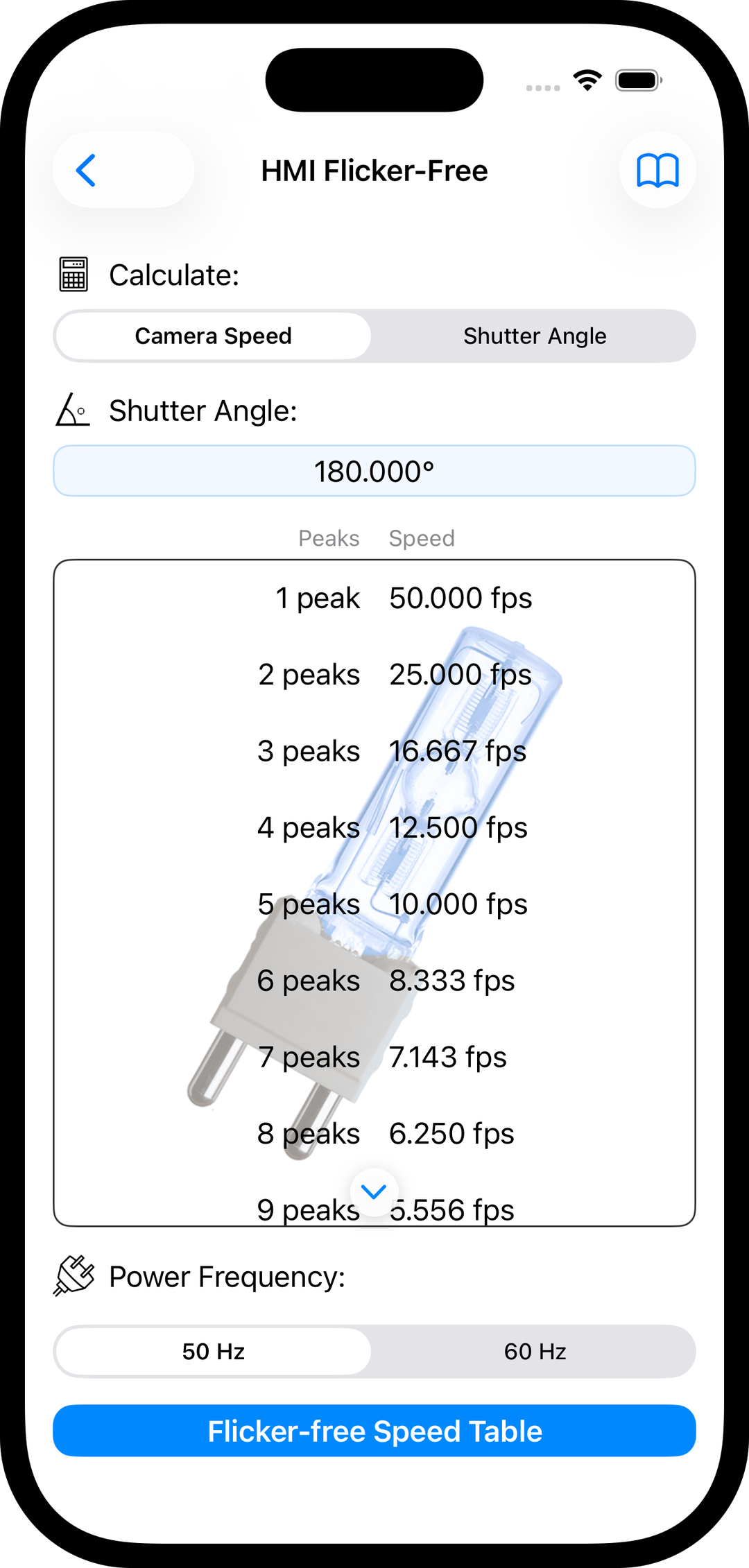
HMI Flicker-free

  • Determine shutter speed and camera settings for flicker-free shooting
  • Designed specifically for HMI AC-powered lighting
  • Supports both 60 Hz and 50 Hz power systems
  • Includes a complete table of safe shutter speeds for any shutter angle

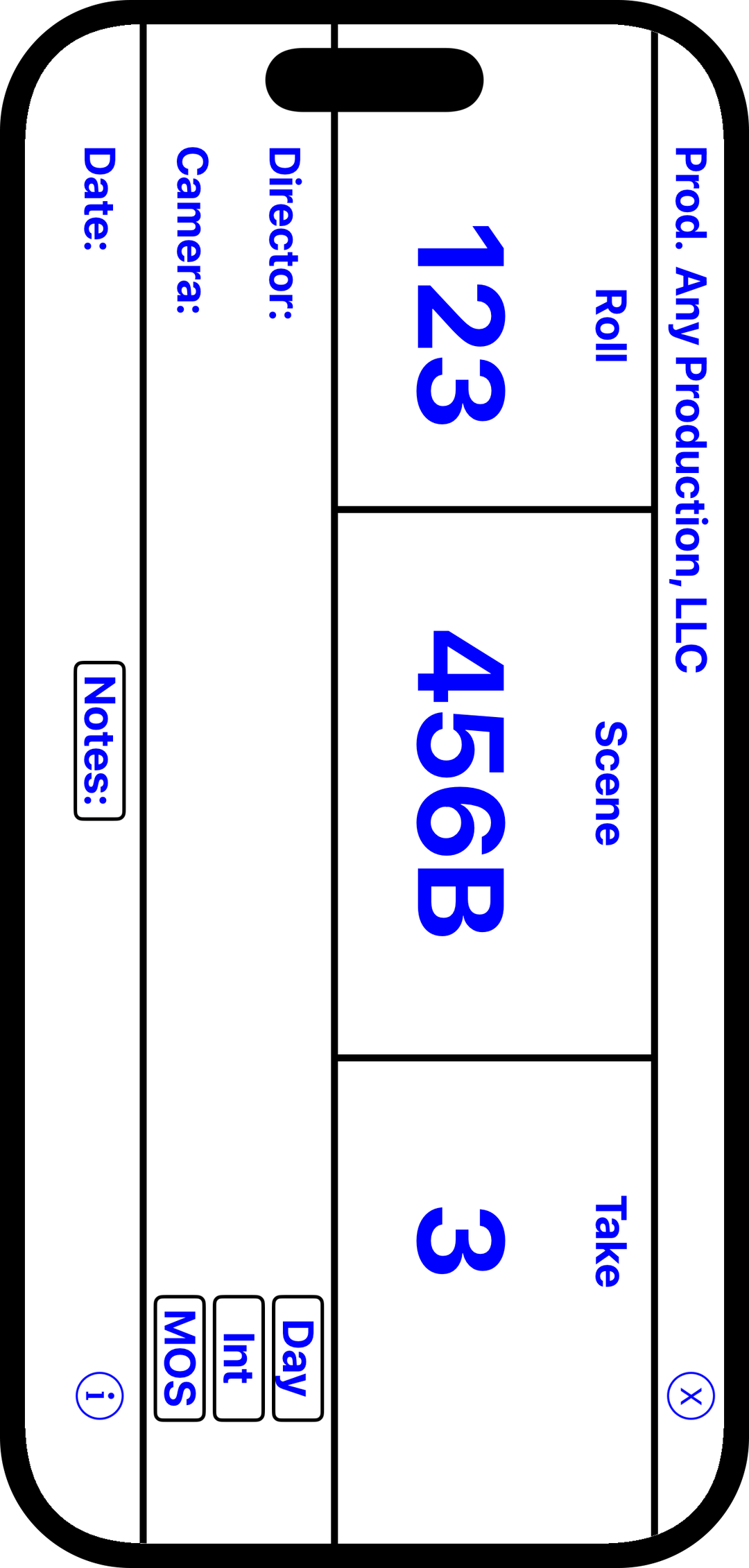
Insert Slate (MOS)

  • Display a compact on-screen slate for tight shots and tabletop work
  • Toggle between interior or exterior, and Dawn, Day, Dusk, or Night
  • Mark shots as Sync or MOS
  • Include filter, frame rate, units, or custom notes as needed
  • Choose from four font colors with black or white backgrounds
Insert slate MOS tool
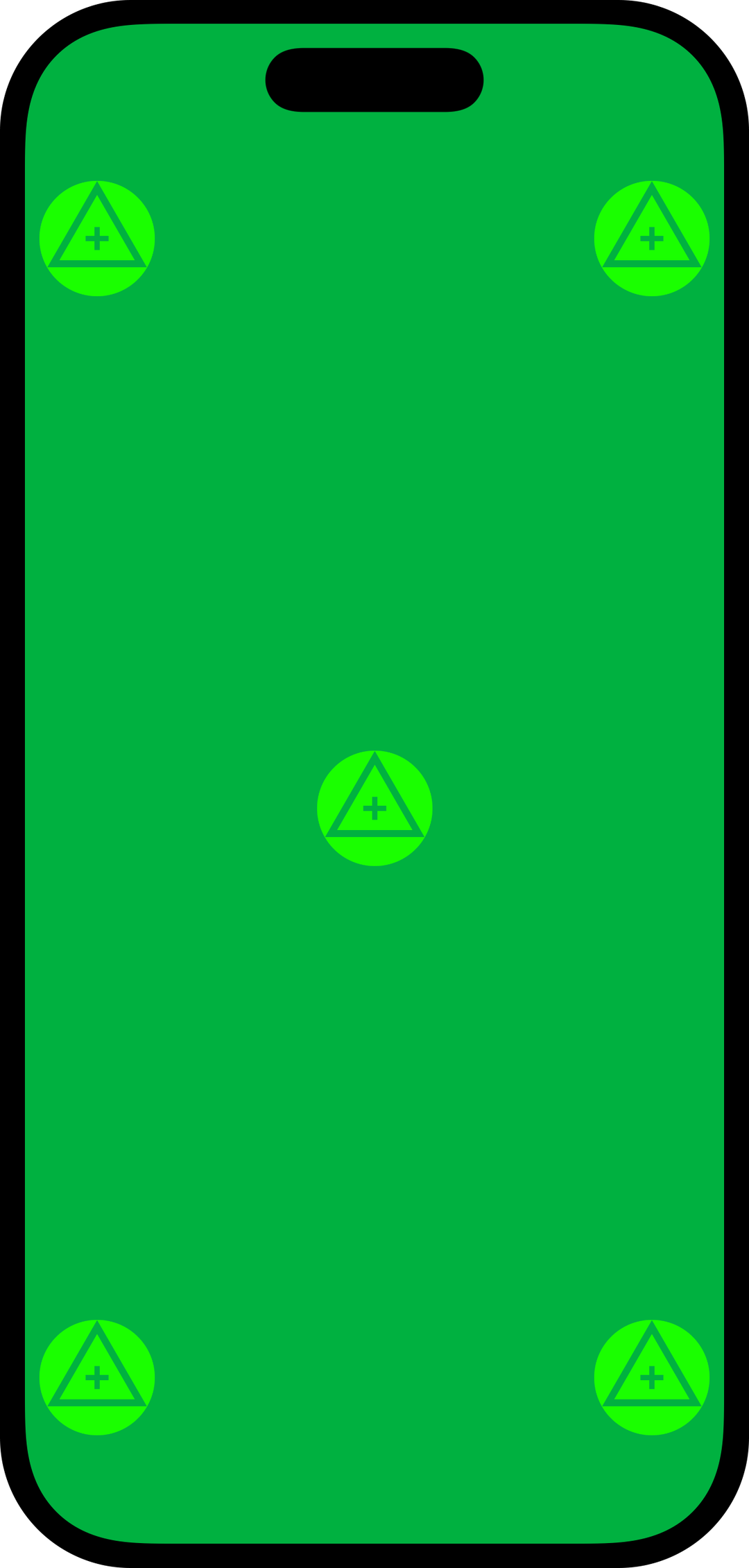
Eye light and chroma key tool

Eye Light and Chroma Key

  • Use your device as a compact eye light or catch light for close-up shots
  • Adjust color temperature to match your scene lighting
  • Green or blue screen modes with optional VFX tracking markers
  • Functions as a miniature light box for tabletop photography

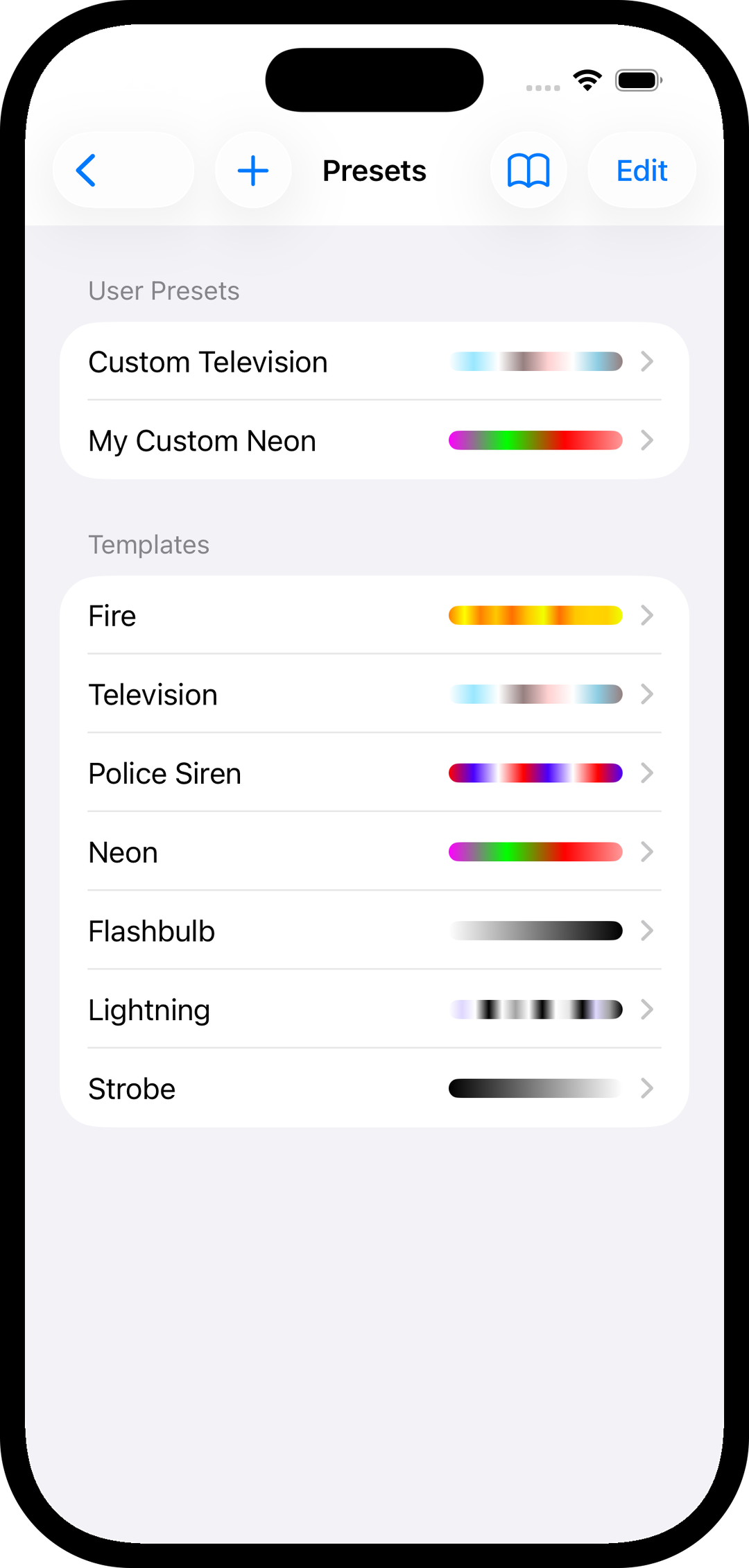
Light Effects

  • Play animated lighting effects for practical and background illumination
  • Built-in templates for fire, strobe, police, lightning, neon, television, and flashbulb
  • Create unlimited custom light animations
  • Display light effects on an HDTV using Apple TV
Animated light effects tool
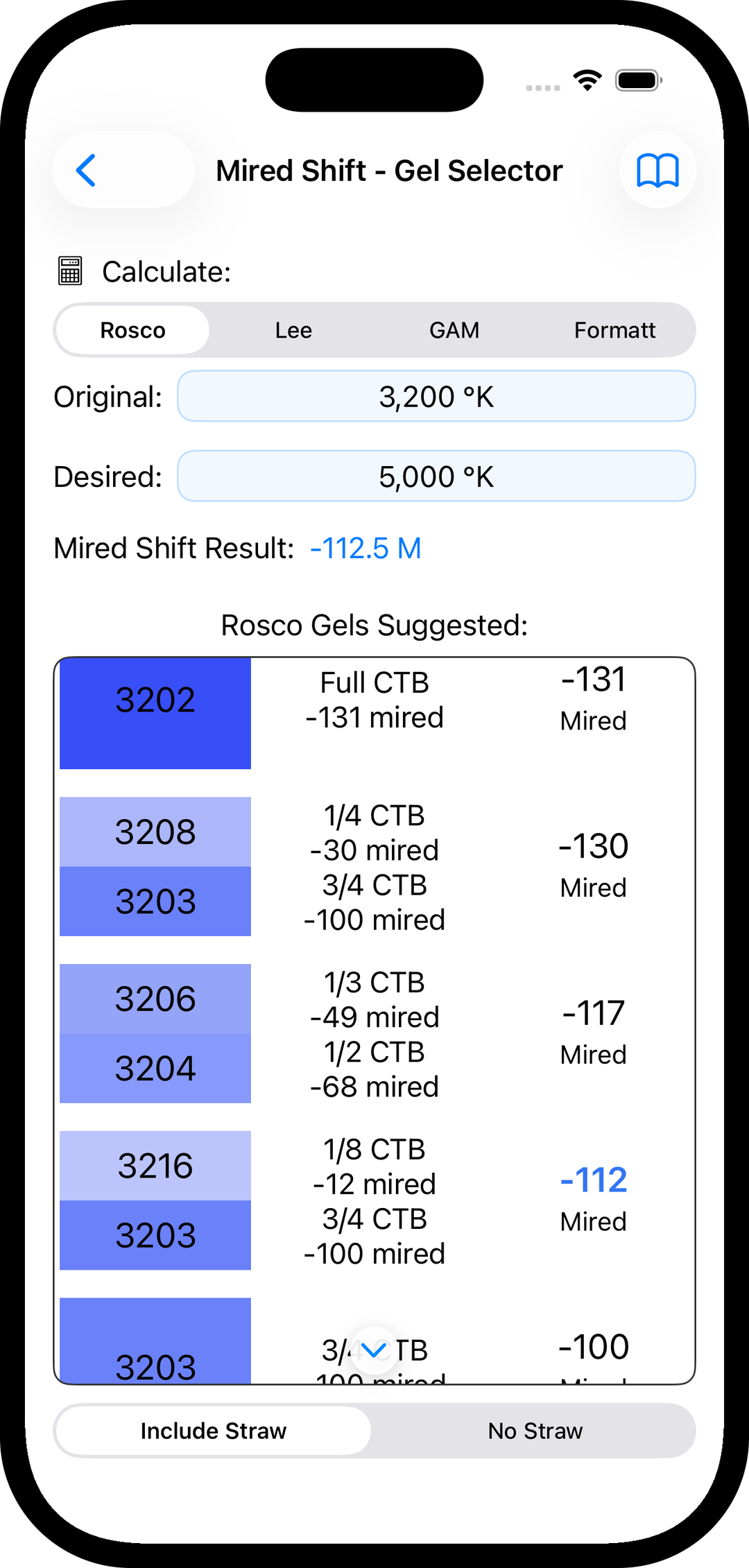
Mired shift gel selector tool

Mired Shift - Gel Selector

  • Calculate the exact color-correction gel needed for your lighting
  • Displays mired shift values and corresponding gel numbers
  • Supports gel selections from four major manufacturers

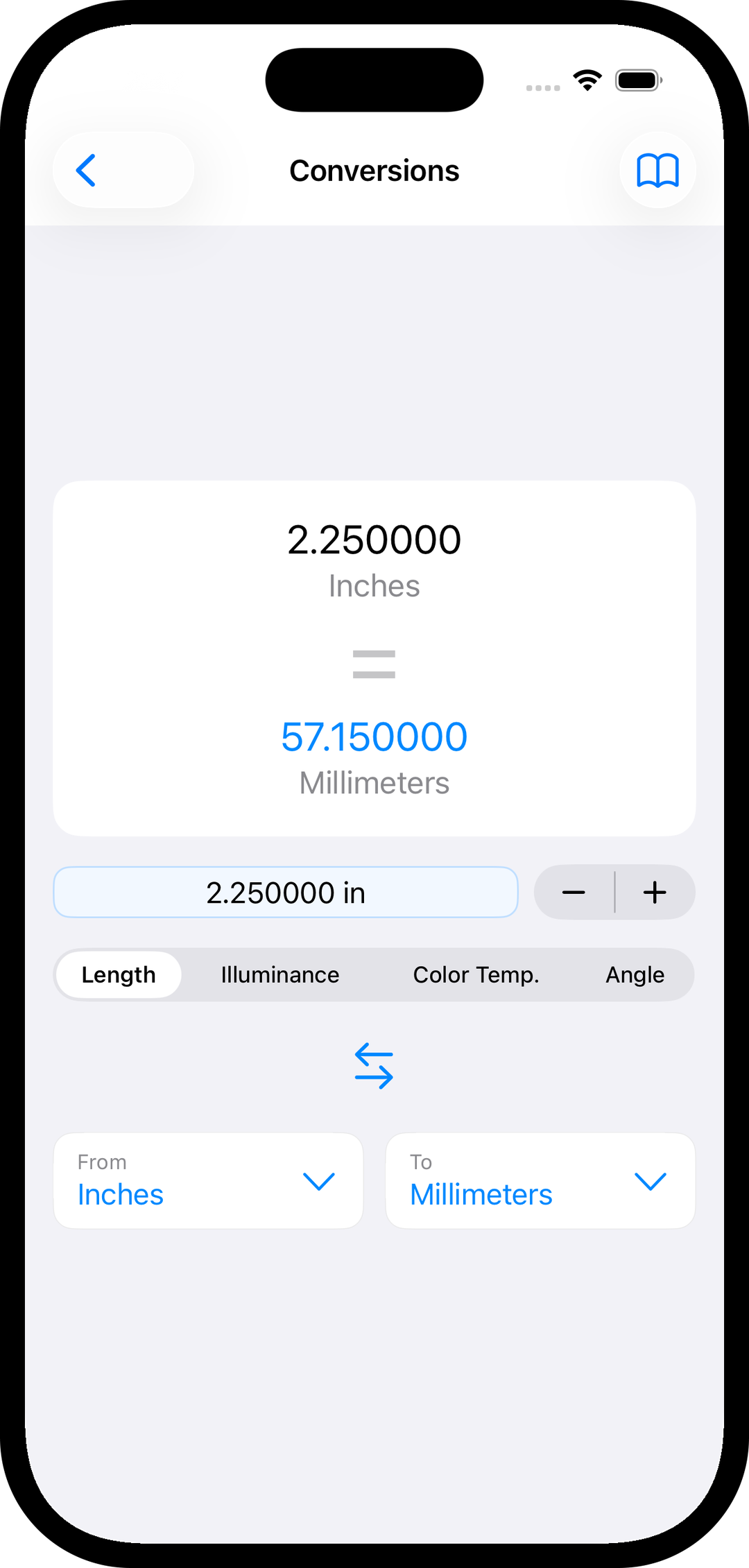
Conversions

  • Quickly convert length and distance between imperial and metric units
  • Translate illuminance values between foot-candles and lux
  • Convert color temperature between kelvin, mireds, and decamireds
  • Convert angles between degrees and radians
Unit and exposure conversion tools
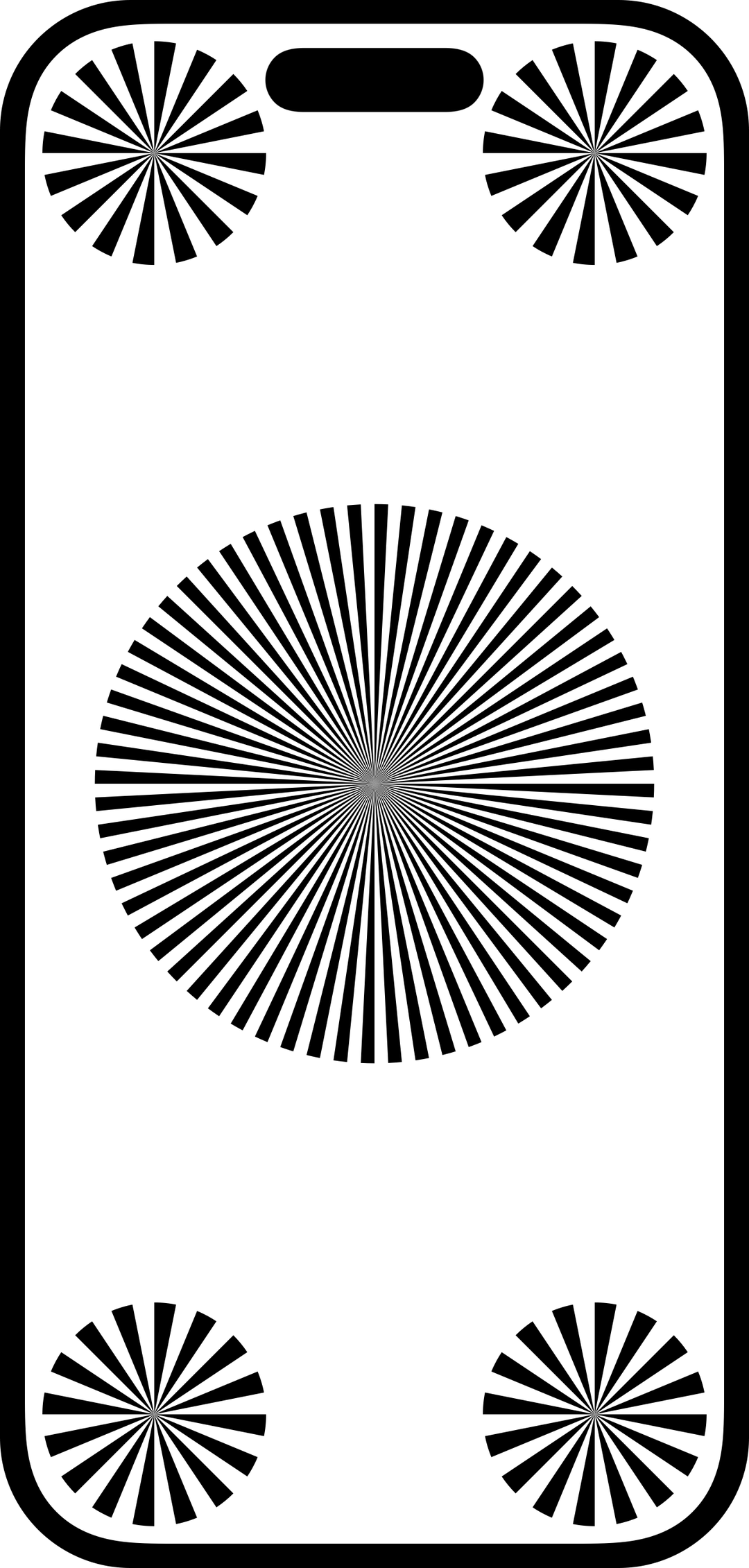
Siemens star test charts

Test Charts (Siemens)

  • Display four selectable charts for focus testing
  • Check critical focus by eye
  • Assist with setting lens back focus
  • Ideal for tabletop and close-up focus work

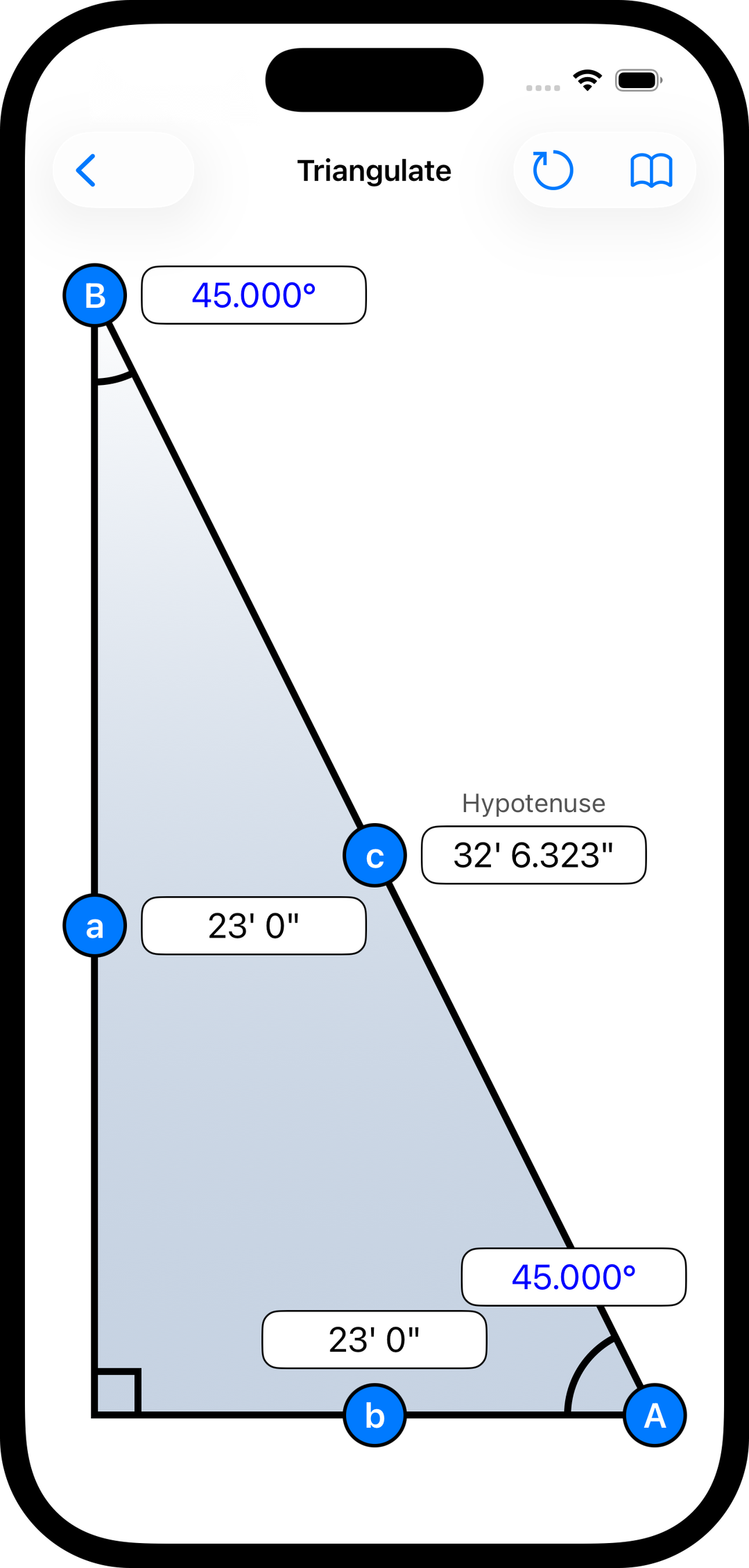
Triangulate

  • Calculate subject distance using known camera height, baseline distance, or angle
  • Ideal when the subject is over water, over a drop, or otherwise unreachable
  • Useful for crane shots and elevated camera positions
  • Can also be used to calculate image circle
Triangulation distance calculator
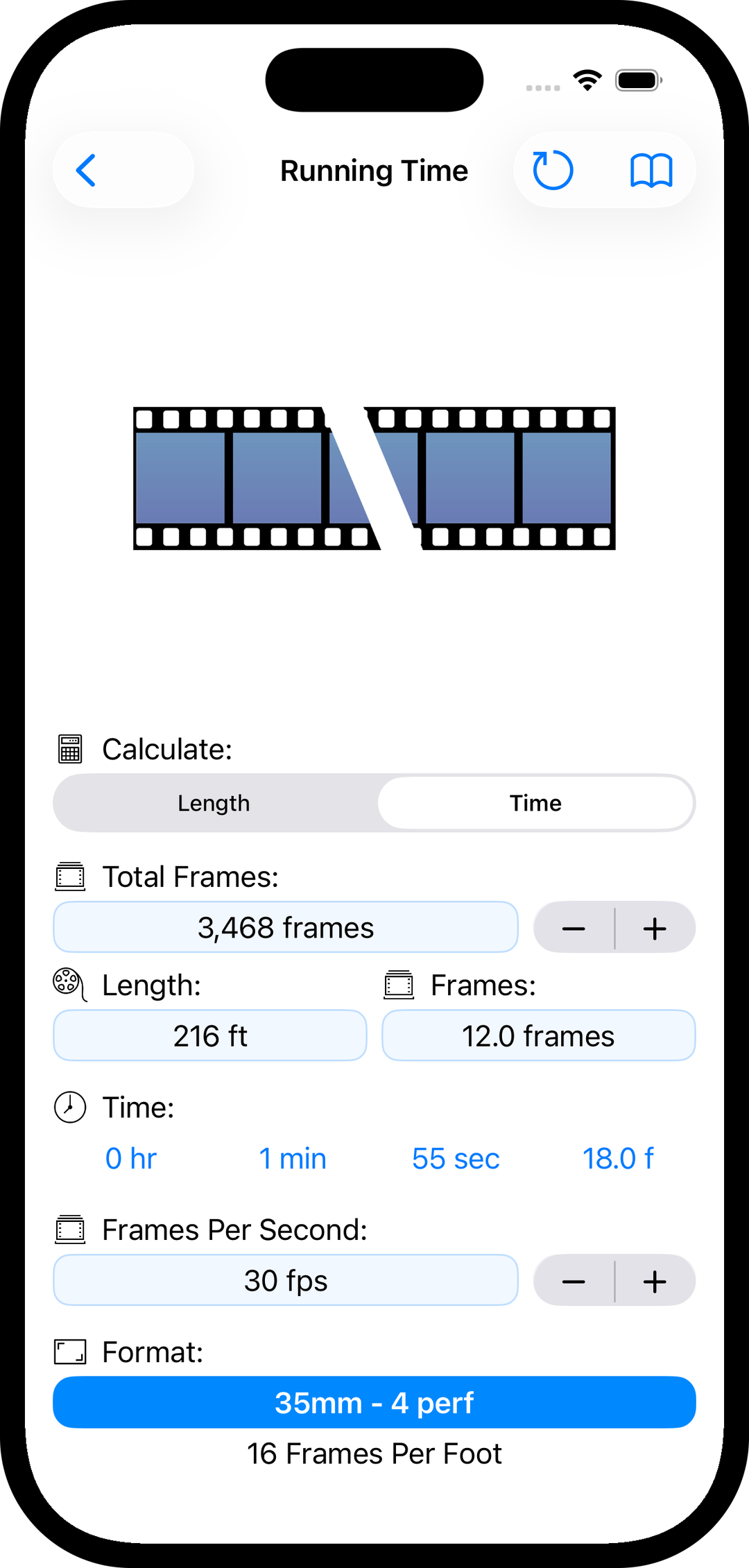
Film running time to length calculator

Running Time to Length

  • Convert film running time into physical film length
  • Supports variable frame rates for off-speed shooting
  • Works with all formats from 8mm through 65/70mm and IMAX
  • Displays frames-per-foot values for each format

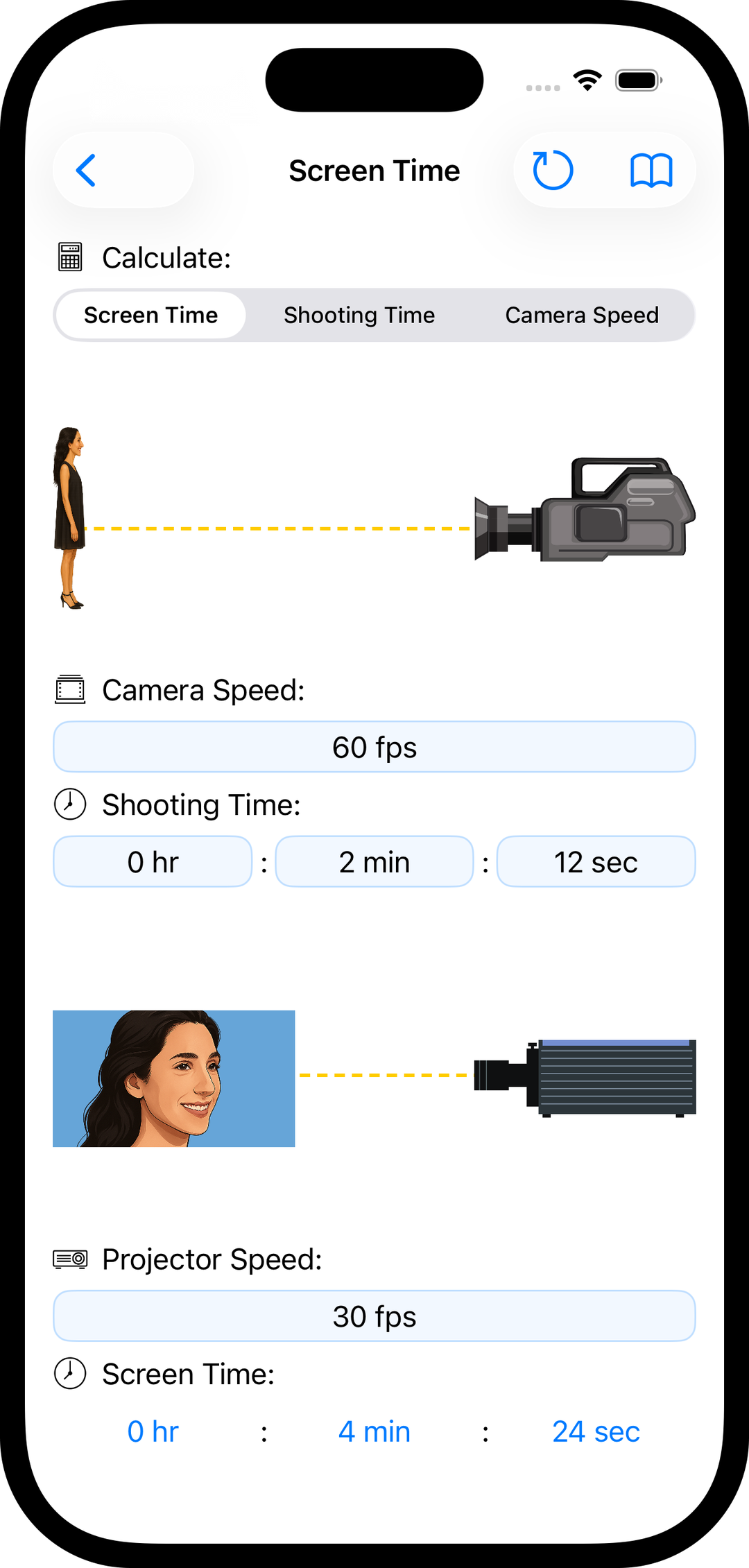
Shooting to Screen Time

  • Calculate how long off-speed shots will appear on screen
  • Works with variable camera speeds for slow motion and time compression
  • Supports different projector and playback speeds
Off-speed shooting to screen time calculator
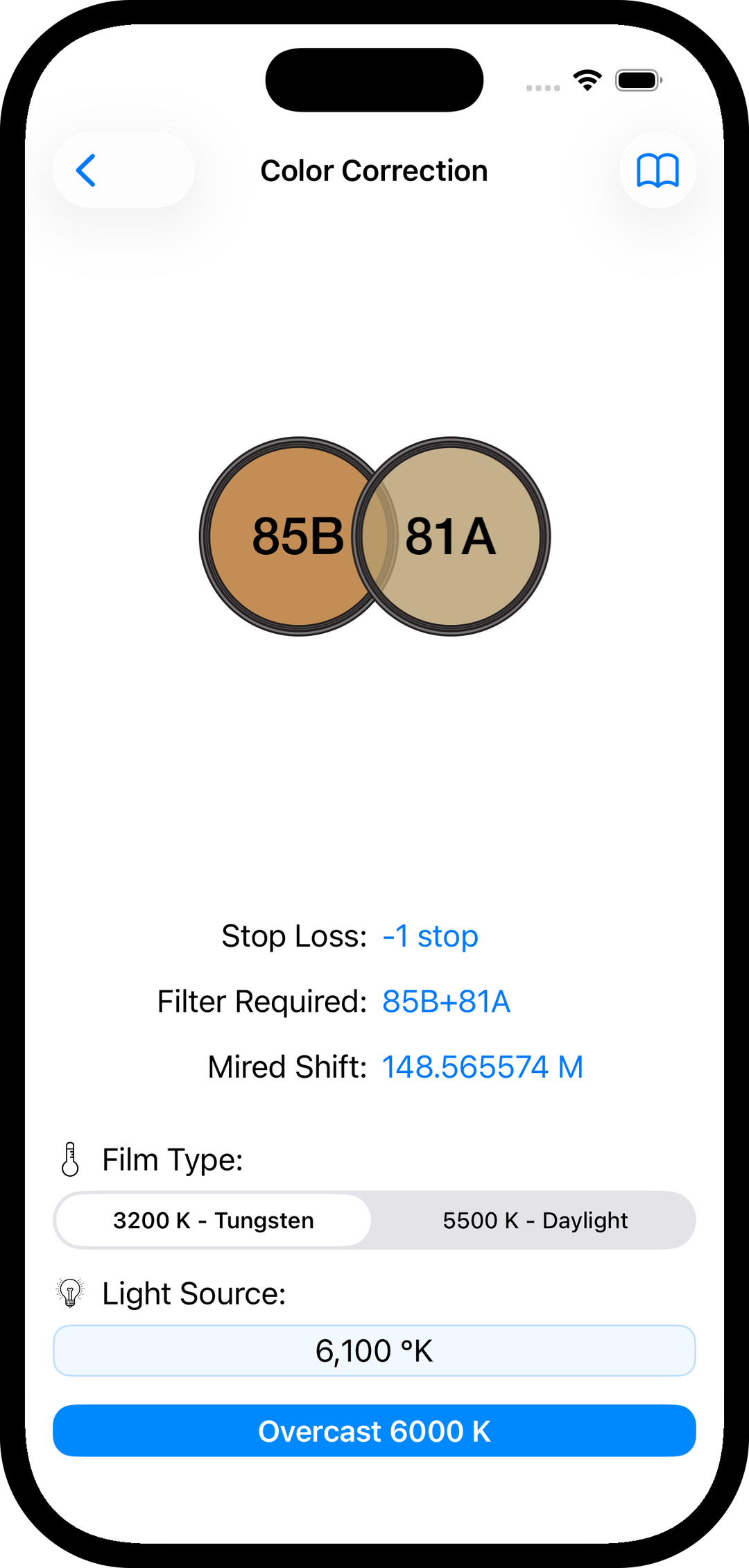
Color correction filter calculator

Color Correction

  • Identify the correct filters to balance tungsten and daylight sources
  • View both stop loss and mired shift for accurate correction
  • Includes a color temperature picker for common lighting conditions
  • Supports unlimited manually entered Kelvin values

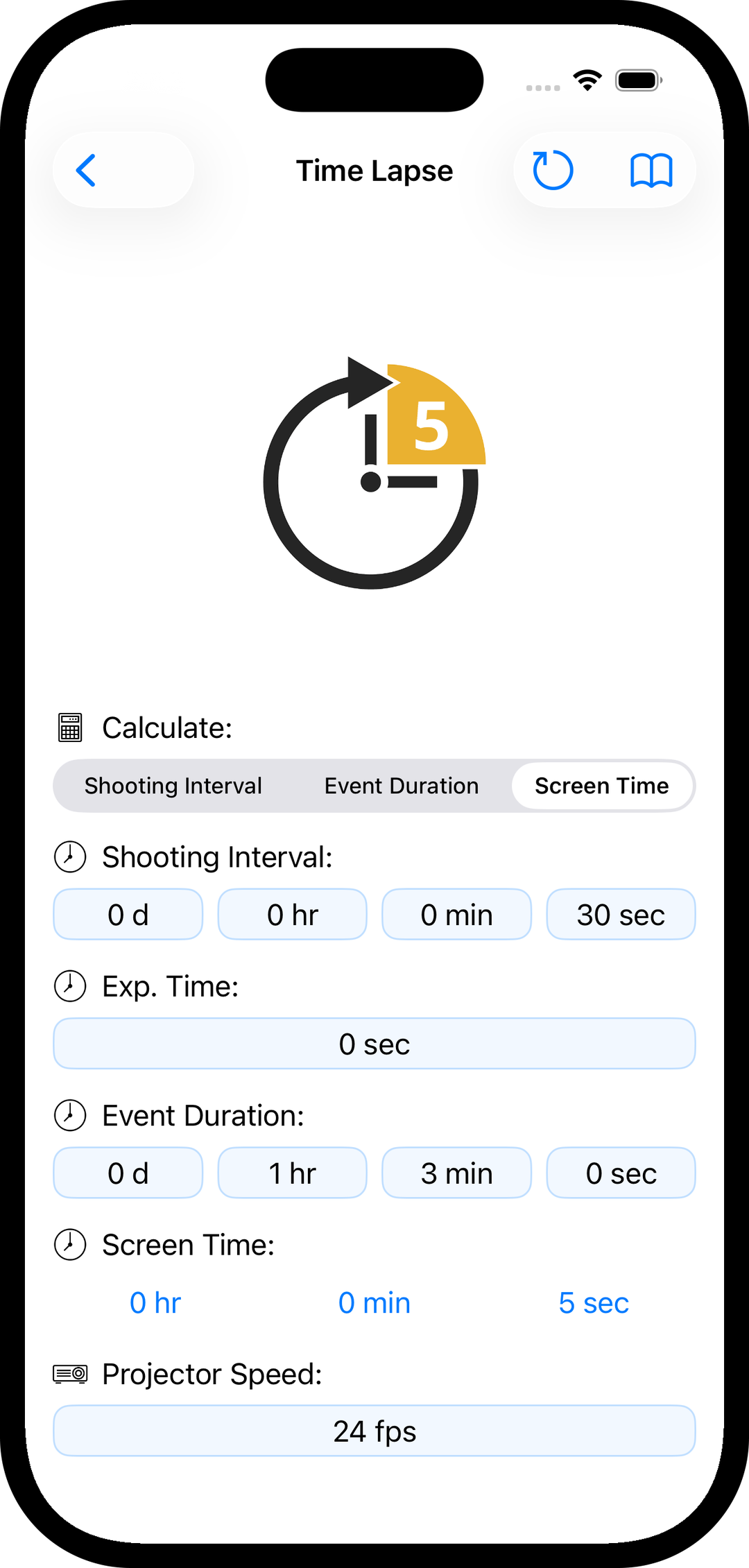
Time Lapse

  • Calculate shooting intervals based on event duration and desired screen time
  • Determine total capture time and resulting playback length
  • Computes exposure time
  • Supports variable projector and playback speeds
Time lapse calculator tool
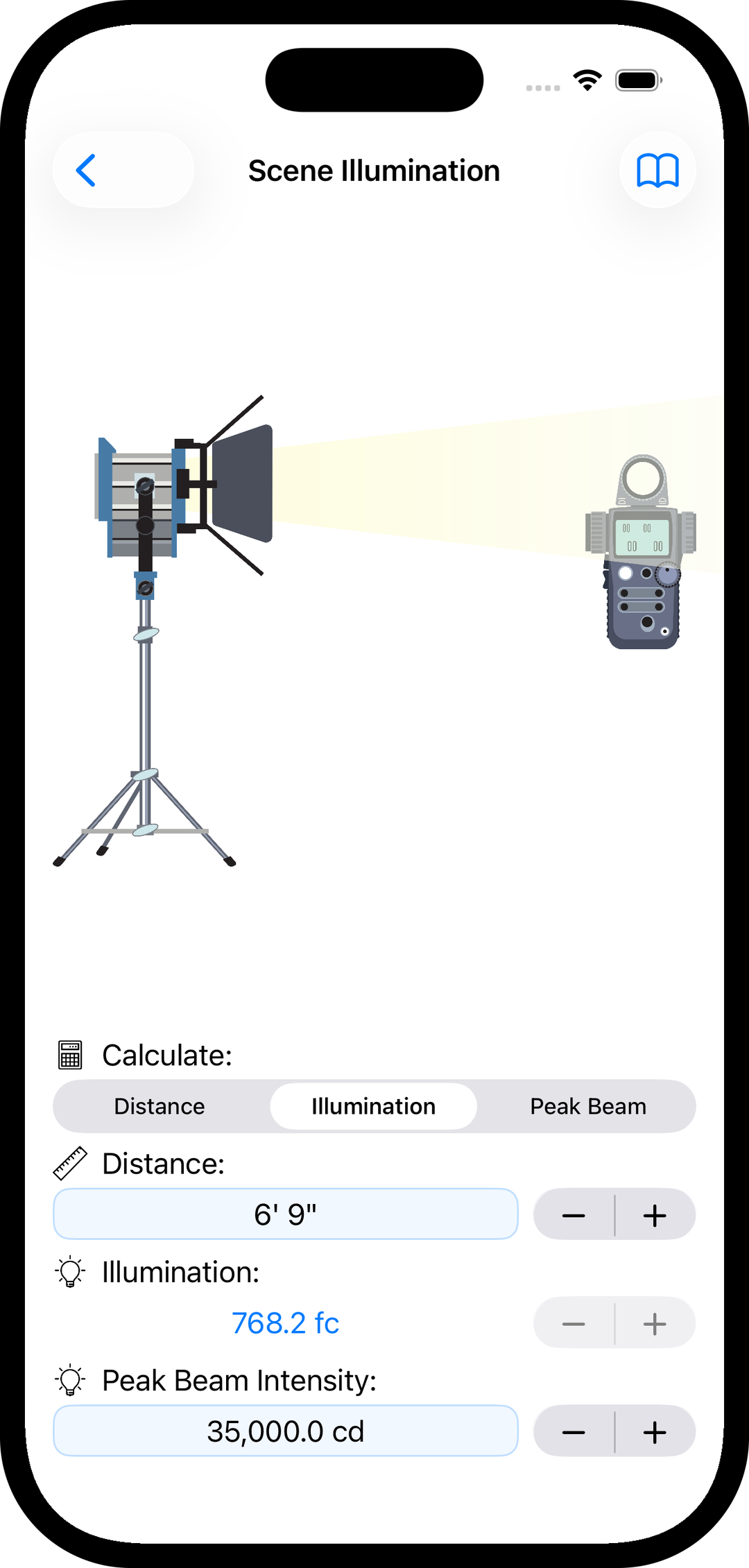
Scene illumination calculator

Scene Illumination

  • Calculate peak beam intensity at any distance from the light source
  • Displays illumination in either foot-candles or lux

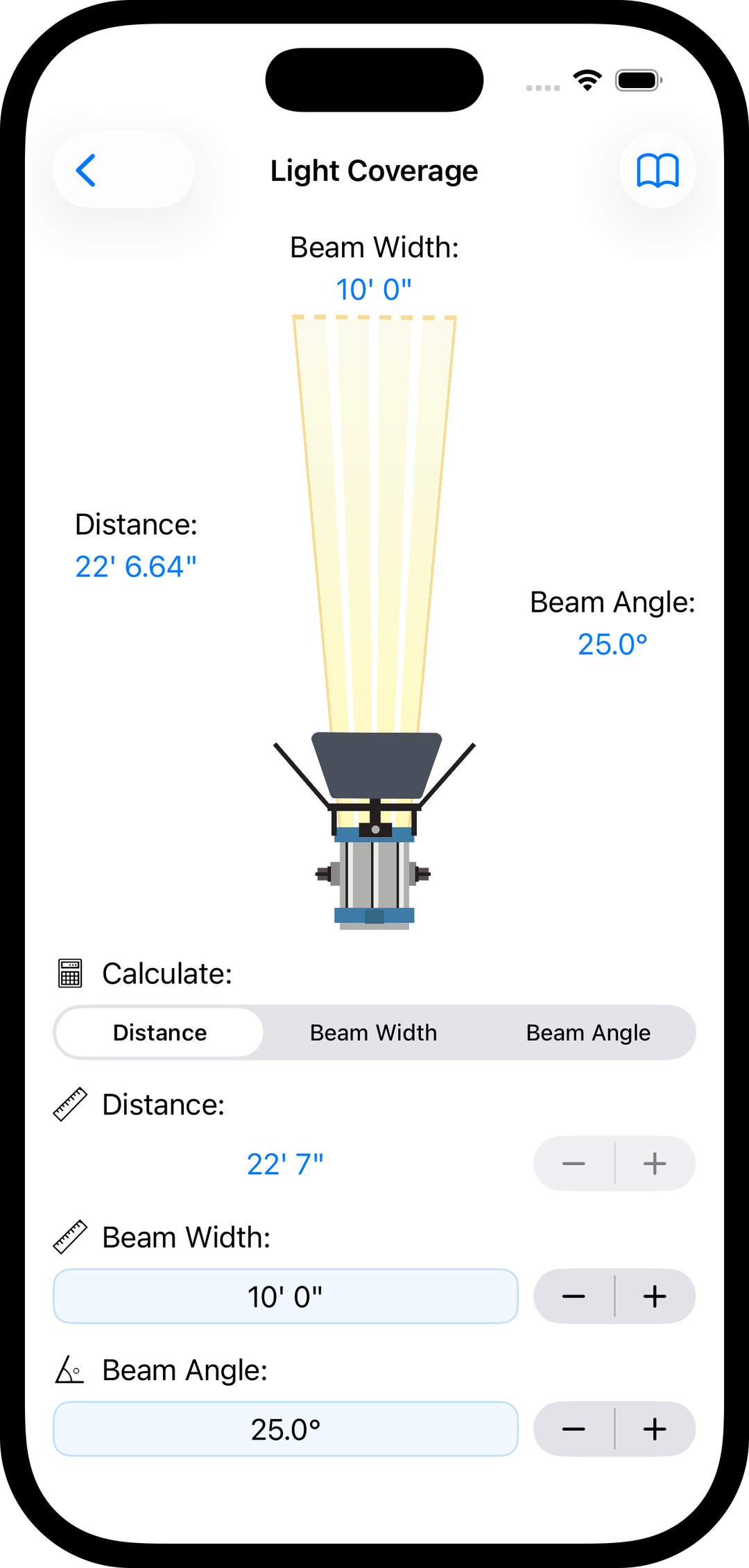
Light Coverage

  • Determine how much area a lamp will illuminate at a given distance
  • Uses beam angle and throw distance to calculate beam width
  • Helps position lights precisely for consistent coverage
Light coverage and beam spread tool
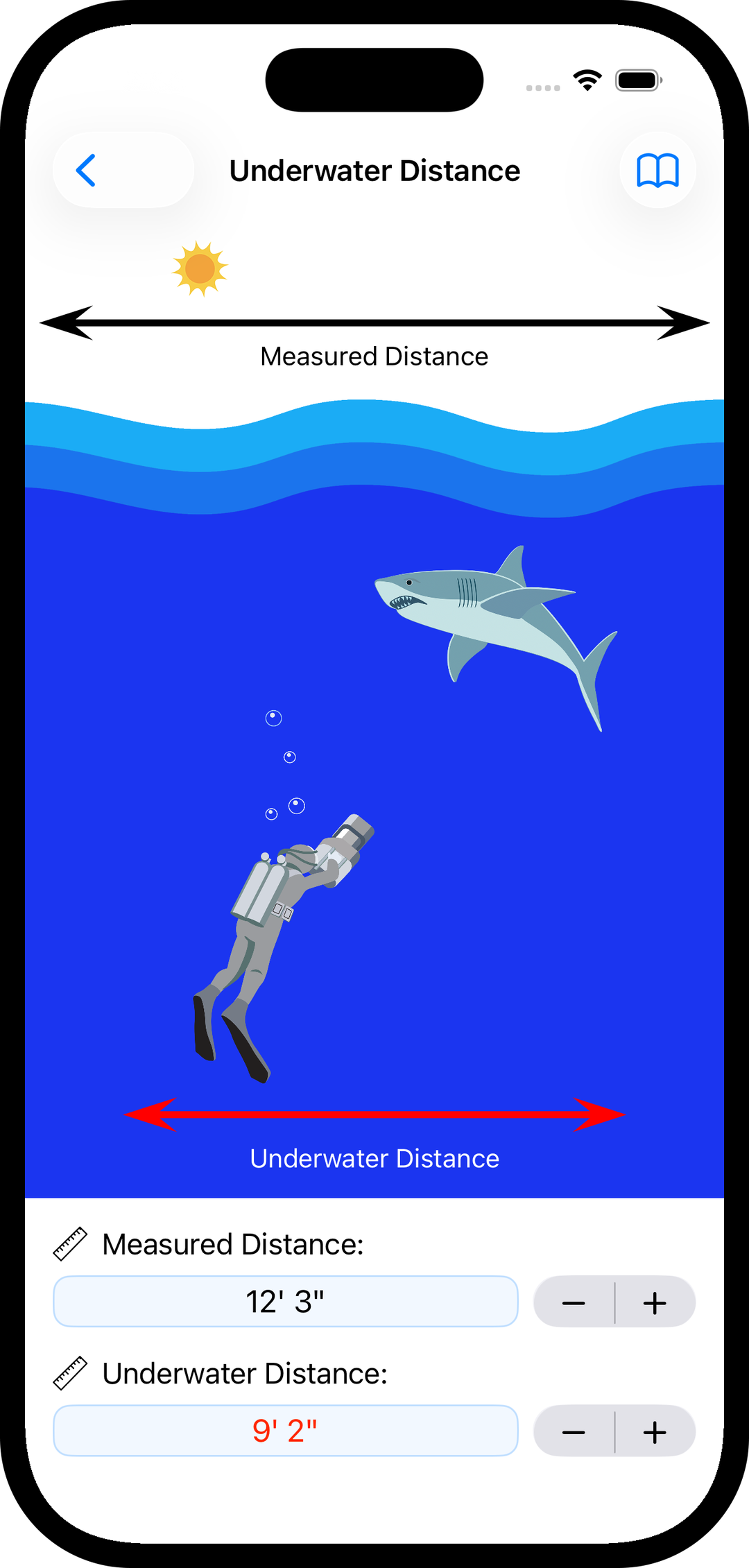
Underwater focus distance calculator

Underwater Distance

  • Determine accurate subject distance when shooting underwater with flat ports
  • Translates measured surface distance into the correct underwater focus setting

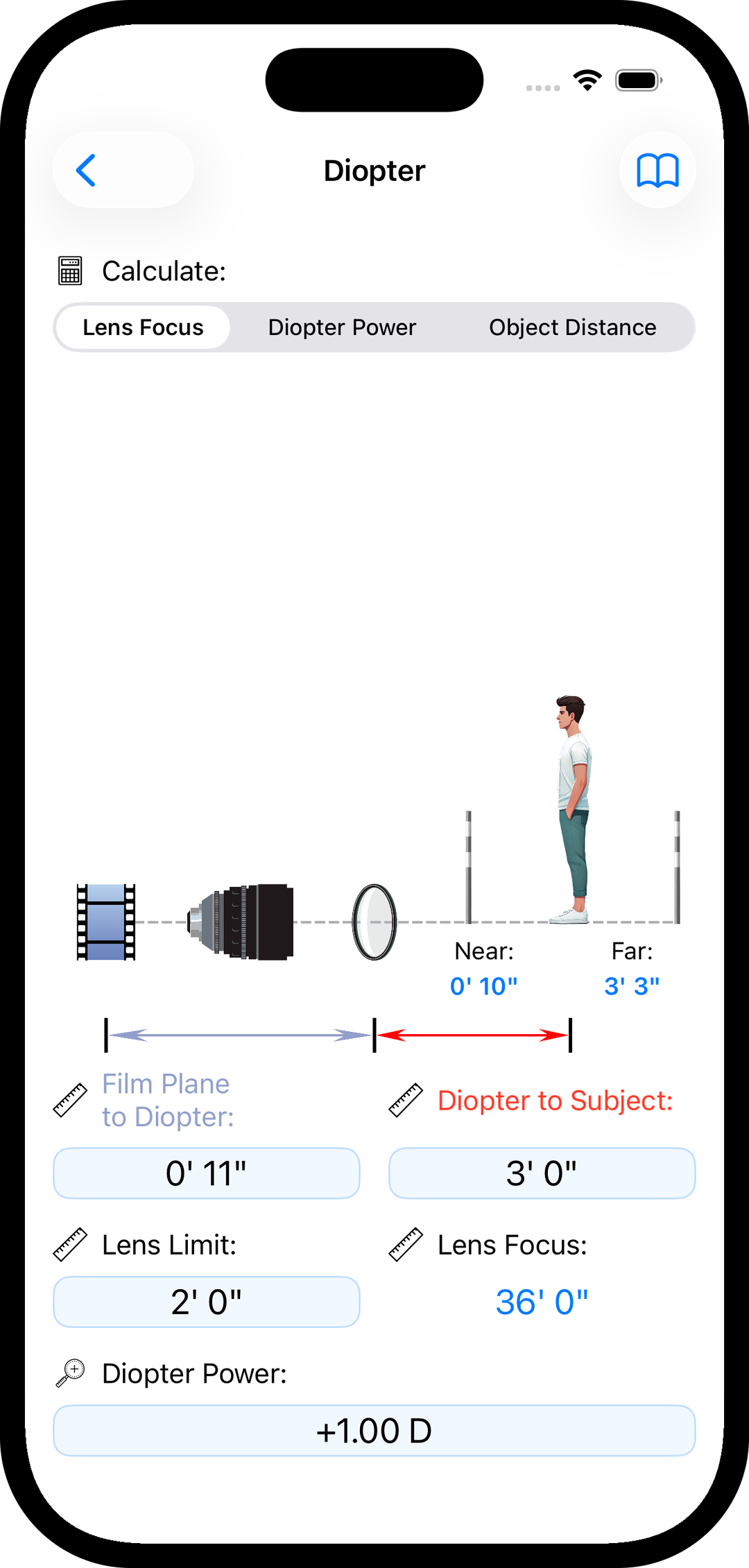
Diopter

  • Determine the usable focus range when shooting with diopters
  • Adjust lens focus markings to reflect true diopter focus distances
Diopter focus distance calculator
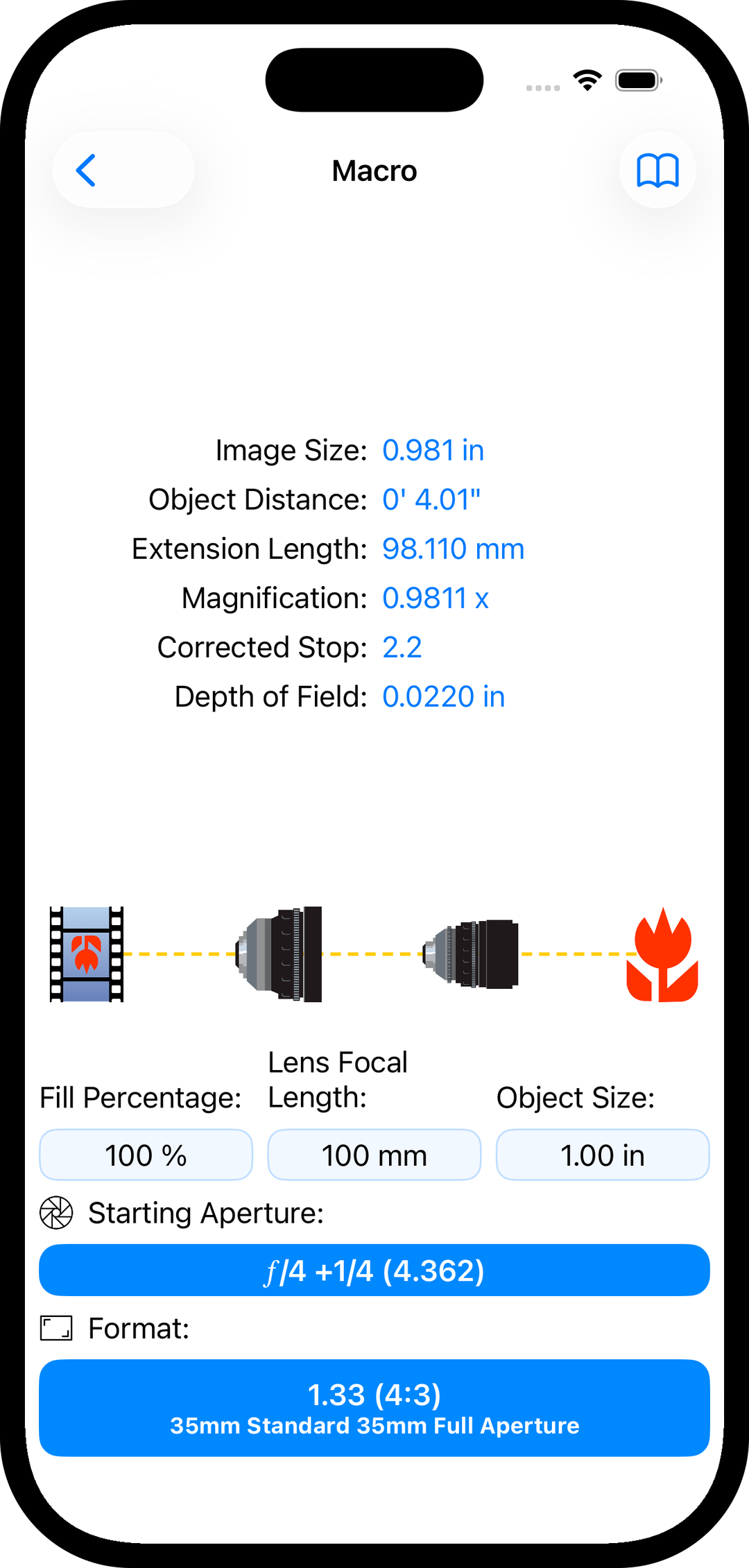
Macro depth of field and magnification calculator

Macro

  • Design macro compositions using focal length, subject size, and camera format
  • Calculates image size for your chosen camera
  • Reveals corrected f-stop and resulting depth of field
  • Set the desired fill percentage to control framing
  • Provides magnification and extension length values for precise setup

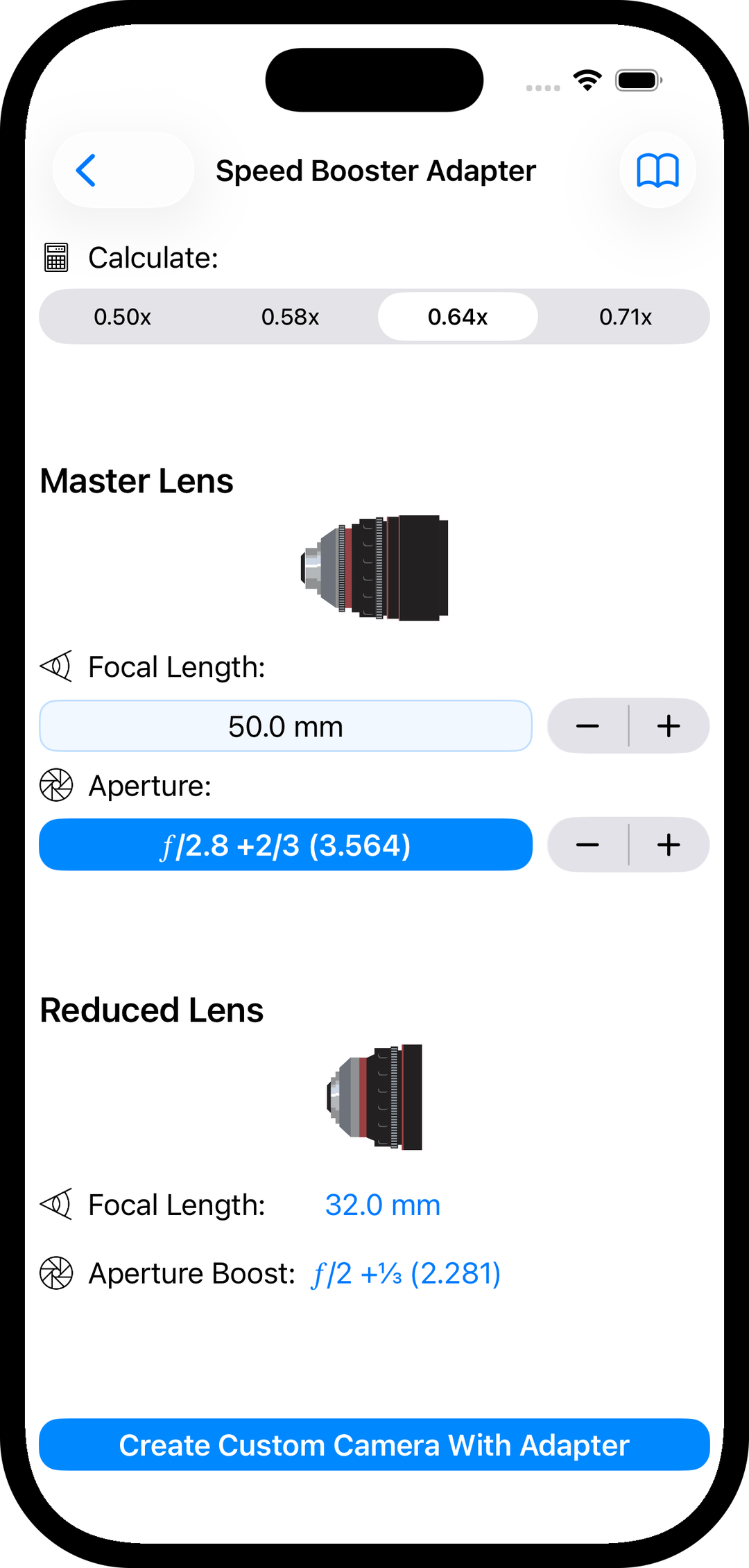
Speed Booster® Adapter

  • See exactly how a Speed Booster changes focal length, field of view, and depth of field
  • Calculates the effective focal length after reduction
  • Calculates the effective boosted aperture
  • Build custom camera formats with adapters applied for use throughout pCAM Pro
  • Includes 050×, 058×, 064×, and 071× adapter options
Speed Booster adapter field of view and aperture calculator